



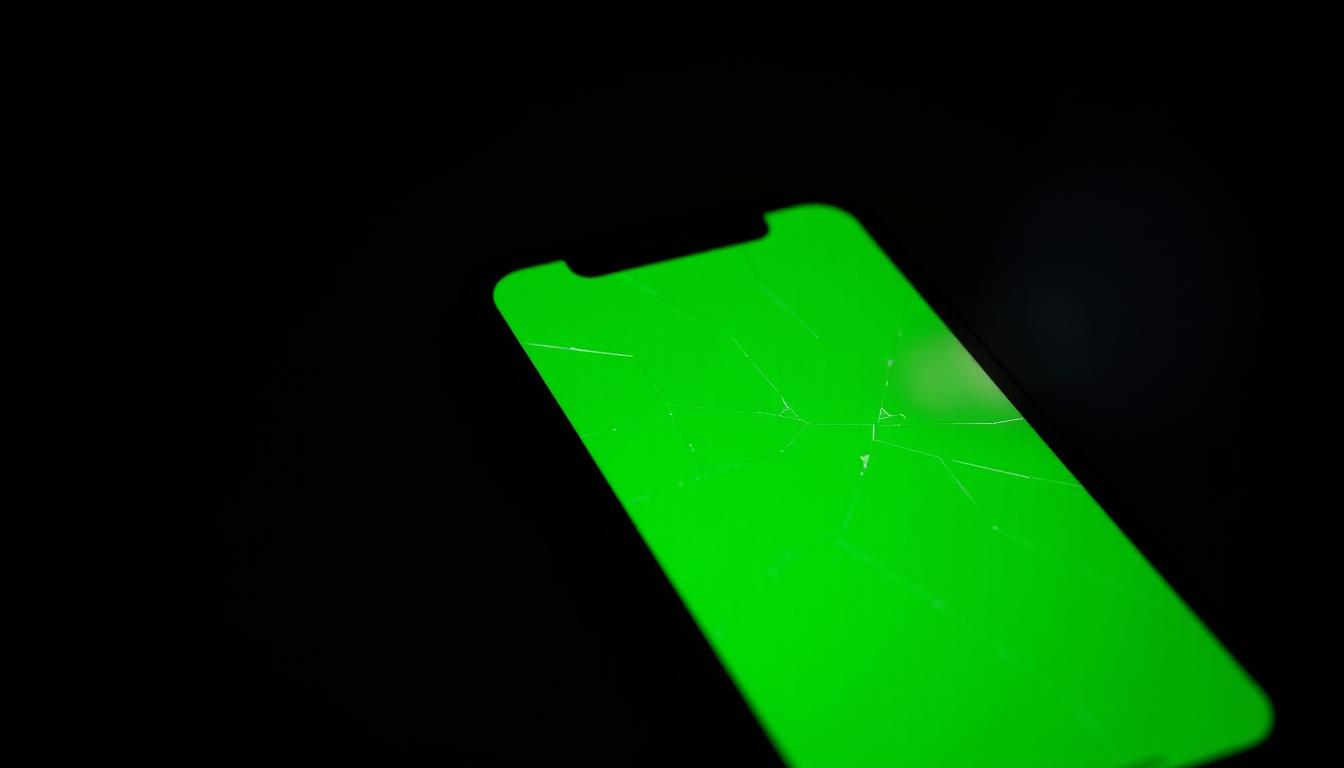
iPhone Green Screen Solution after Update
Seeing a green screen on your iPhone after an update can be really annoying. This problem affects some people and makes them worry about their device’s performance. At Nepal Apple Support, we offer detailed solutions.

If you’re dealing with this issue, our guide will help you fix it. You can reach out to us at 9851132487 or visit our website for help.
Key Takeaways
- Identify if the issue is software or hardware related.
- Follow step-by-step troubleshooting guides.
- Get personalized assistance.
- Understand warranty and repair options.
- Prevent future issues.
Understanding the iPhone Green Screen Issue
The iPhone’s green screen issue is a big problem for many users. It often happens after they update their devices to the latest iOS. Knowing what causes this issue is key to solving it.
There are several reasons for the green screen problem. It can be due to software bugs or hardware issues. After an iOS update, compatibility problems or bugs in the new software might cause it.
Causes of Green Screen After iOS Updates
Software problems like bugs can lead to the green screen issue. Also, hardware issues, like a faulty display or damaged parts, can cause it.
Common Symptoms and Manifestations
The green screen issue shows up in different ways. You might see a flickering or static display, or even full-screen discoloration. Flickering green screens can be annoying, while a static green screen makes the device unusable.
Flickering vs. Static Green Screen
A flickering green screen might mean a loose connection or software bug. On the other hand, a static green screen could point to a serious hardware problem.
Partial vs. Full Screen Discoloration
Partial discoloration might mean a damaged screen area. But full-screen discoloration could suggest a display driver issue.
iPhone Models Commonly Affected by Green Screen Issues
Many iPhone models face green screen problems, often after updates. This issue is widespread, affecting both new and older devices.
iPhone 13/13 Pro/13 Pro Max Green Screen Problems
The iPhone 13 series, including the iPhone 13 Pro and 13 Pro Max, has seen green screen issues after updates. Users often see a green tint on their screens. This problem is usually due to software bugs, not hardware issues.
iPhone 14/14 Pro/14 Pro Max Update Issues
The iPhone 14 series, including the iPhone 14 Pro Max, also faces green screen problems after updates. Sometimes, restarting fixes the issue. But other times, you might need professional help.
Older iPhone Models and Green Screen Occurrences
Even older iPhone models, like the iPhone X and iPhone 12 series, have green screen issues. For example, the iPhone X might flicker green, and the iPhone 12 series might have green screen problems after updates.
iPhone X/XS/11 Series Specific Issues
The iPhone X and XS series have green screen problems, often due to hardware or software issues. Users of these models should watch out for these issues. If you run into problems, contact Nepal Apple Support for help.
iPhone 12 Series Update Problems
The iPhone 12 series also faces green screen issues, mainly after updates. It’s important for users to be aware of these problems and know where to get help.
If you’re dealing with green screen issues on your iPhone, reaching out to Nepal Apple Support is key. They offer specific help and guidance for your model.
DIY Solutions for iPhone New Update Green Screen Solution Nepal Apple Support Recommends
When you see a green screen on your iPhone, try some DIY fixes first. Nepal Apple Support suggests starting with a force restart. This action varies by iPhone model.
Force Restart Methods for Different iPhone Models
Force restarting can fix the green screen by rebooting your iPhone. The steps change with each model.
ForFace ID models, start by pressing and releasing the Volume Up button. Then, press and release the Volume Down button. Finish by holding the Side button until you see the Apple logo.
Face ID Models (iPhone X and newer)
To force restart, first press and release the Volume Up button. Next, press and release the Volume Down button. Lastly, hold the Side button until the Apple logo shows up.
Home Button Models
If you have an iPhone 8 or older, press and hold the Sleep/Wake button and the Home button. Keep holding until the Apple logo appears.
Software Reset Options
If a force restart doesn’t solve the problem, try resetting your iPhone. There are a few reset options to choose from.
Reset Options
ASettings Resetchanges your iPhone’s settings back to default without losing your data. AFactory Reseterases everything and brings your iPhone back to its original state.
| Reset Type | Description |
|---|---|
| Settings Reset | Resets settings to default without data loss |
| Factory Reset | Erases all content and settings |
Update or Downgrade iOS
Updating or downgrading your iOS might fix the green screen issue. Always back up your data before making any changes.

Comparing Professional Repair Options in Nepal
In Nepal, users dealing with iPhone green screen issues have several repair options. Choosing between authorized service centers and third-party shops can be tough. It’s important to know the differences.
Authorized Apple Service Centers vs. Third-Party Repair Shops
Authorized centers use Apple-trained techs and genuine parts. This ensures quality and keeps the warranty valid. Third-party shops might be quicker and cheaper, but quality can vary.
- Authorized Centers: Standardized service, warranty intact
- Third-Party Shops: Variable quality, warranty may be voided
Service Quality Comparison
Authorized service centers stick to Apple’s standards. Third-party shops have varying levels of expertise.

Authorized centers might take longer. Third-party shops often promise faster repairs.
Cost Comparison for Screen Replacement in Nepal
Authorized centers use original parts for quality but cost more. Aftermarket parts are cheaper but might not be as good.
Think about the cost, quality, and warranty when picking a repair service.
Hardware vs. Software Issues: Identifying Your Green Screen Problem
Nepal Apple Support says it’s key to know if your iPhone’s green screen problem is from hardware or software. Knowing the cause helps fix your device right.
Software-Related Green Screen Causes
Software problems can cause the green screen on iPhones. Mainly, it’s due to update bugs and app conflicts.
Update Bugs and Compatibility Issues
Update bugs happen when iOS updates are interrupted or if there’s a device compatibility issue. Try restarting your iPhone or doing a software reset to fix this.
App Conflicts and Solutions
Apps not updated for the latest iOS can cause green screens. Uninstalling new apps or updating all apps can solve this.
Hardware Damage Signs and Symptoms
Hardware damage might be the cause if it’s not a software problem. Look for signs like physical damage or display connection issues.
Physical Damage Assessment
Check your iPhone for any damage, like screen cracks or water signs. Physical damage usually means a hardware problem.
Display Connection Problems
Display connection problems, like loose cables, can also cause green screens. Professional repair or display replacement might be needed.
| Issue Type | Common Causes | Potential Solutions |
|---|---|---|
| Software Issues | Update bugs, app conflicts | Restart iPhone, software reset, uninstall or update problematic apps |
| Hardware Issues | Physical damage, display connection problems | Professional repair or replacement of damaged components |
Nepal Apple Support’s Specialized Green Screen Solutions
Dealing with iPhone green screen issues can be frustrating. But, with the right support, you can fix your device. At Nepal Apple Support, customers get a full solution to their iPhone problems.
The team knows how important a working device is. They aim to solve problems quickly and effectively.
Diagnostic Services
Nepal Apple Support provides diagnostic services for green screen issues. These services are detailed and fast, ensuring accurate diagnoses.
Finding the root cause is key to fixing the problem.
In-Store Diagnostics Process
Customers can get a hands-on diagnostic at authorized service centers. Trained technicians use special tools to check the issue and give a detailed report.
Remote Diagnostic Options
For remote support, Nepal Apple Support offers online diagnostic services. This way, customers can get help without visiting a service center.
Repair Timeframes and Warranty Information
Knowing the repair process and what to expect is important. Nepal Apple Support clearly explains repair times and warranty details.
Express Repair Service
For urgent repairs, Nepal Apple Support has an express repair service. They fix devices fast without sacrificing quality.
Warranty Coverage Details
Customers can be sure repairs come with a warranty. The team gives full details on warranty coverage.
Customer Support and After-Service Care
Nepal Apple Support offers exceptional customer service before and after repairs.
Follow-up Support
After fixing your device, you get follow-up support. This ensures your issue is fully solved and you’re happy with the service.
Choosing Nepal Apple Support means your iPhone green screen issues will be handled well and fast.
Conclusion
Fixing the iPhone green screen problem after an update can be tough. But, with the right help, it’s doable. Nepal Apple Support’s detailed guide helps users understand the issue and find solutions.
Nepal Apple Support offers expert help for iPhone green screen problems in Nepal. They provide diagnostic services, repairs, and advice to keep your device running smoothly. They aim to give a full Apple solution.
For a quick and effective fix, count on Nepal Apple Support. They specialize in fixing iPhone green screen issues. Their dedication to customer happiness means you can trust them for all Apple-related needs.
FAQ
What causes the green screen issue on iPhone after an update?
The green screen issue can come from software glitches, hardware problems, or compatibility issues. Finding the root cause is key to solving the problem.
How do I fix the green screen issue on my iPhone13 Pro Max after an update?
Try force restarting, resetting settings, or updating iOS to fix the green screen on your iPhone13 Pro Max. If it doesn’t work, reach out to Nepal Apple Support for help.
Is the green screen issue common in iPhone14 Pro Max after an update?
Yes, some iPhone14 Pro Max users face the green screen issue after updates. It might be due to software or hardware issues. Nepal Apple Support can help diagnose and fix it.
Can I fix the green screen issue on my iPhone by myself?
Yes, you can try DIY fixes like force restarting, resetting settings, or updating iOS. But, if it doesn’t work, it’s best to get professional help from Nepal Apple Support.
How much does it cost to repair the green screen issue on my iPhone at Nepal Apple Support?
Repair costs at Nepal Apple Support depend on your iPhone model, the issue, and the repair needed. Call 9851132487 or visit their website for a quote.
Does Nepal Apple Support offer warranty for their repair services?
Yes, Nepal Apple Support provides warranty for their repairs. Warranty details depend on the repair and iPhone model. Contact them for more on their warranty policies.
Can I get remote support from Nepal Apple Support for my iPhone green screen issue?
Yes, Nepal Apple Support offers remote support for iPhone green screen issues. Call 9851132487 or visit their website to book a remote session.
How long does it take to repair the green screen issue on my iPhone at Nepal Apple Support?
Repair time at Nepal Apple Support varies based on the issue’s complexity and the repair needed. They offer express services for urgent cases. Contact them for specific timeframes.